
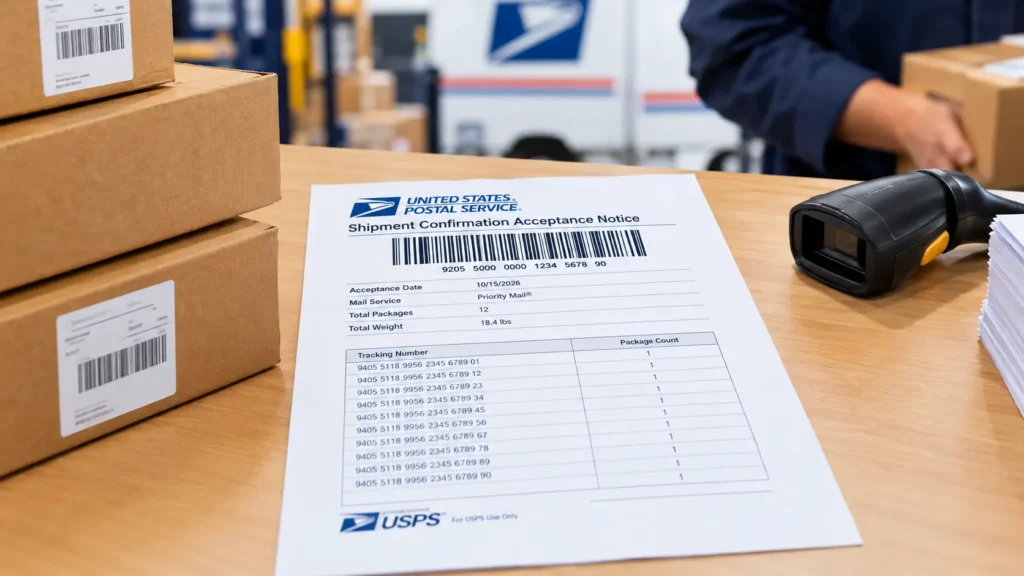
Sellers fulfilling their own orders, whether through Seller Fulfilled Prime, standard merchant fulfillment, or any direct-to-customer channel, eventually run into the same question: how do you hand off a stack of packages to USPS without scanning each one individually? The answer is a SCAN sheet, also called an end-of-day manifest.
What a SCAN Sheet Actually Does
A SCAN sheet bundles your day’s shipments under one master barcode. Instead of a carrier scanning every box at pickup, they scan the manifest once, and it logs tracking data for the entire batch. That single change creates three practical benefits:
- Bulk carrier scanning. One master barcode covers all your packages, instead of individual scans per box.
- Faster drop-offs. Wait times at the post office or during driver pickups drop significantly when you’re shipping a high volume of daily orders.
- An early tracking update. Scanning the master PS Form 5630 SCAN form triggers an early acceptance event in USPS’s tracking system for the whole batch, before individual packages reach the next sorting facility.
Two Rules That Matter More Than the Process Itself
1. SCAN sheets are a USPS-only requirement. Other carriers scan each package individually at pickup, so a SCAN sheet doesn’t apply outside USPS shipments.
2. Generate it the same day you print your labels. This is not flexible. A SCAN sheet created the next day won’t match the labels you purchased, and the manifest becomes useless for that batch.
What a SCAN Sheet Looks Like
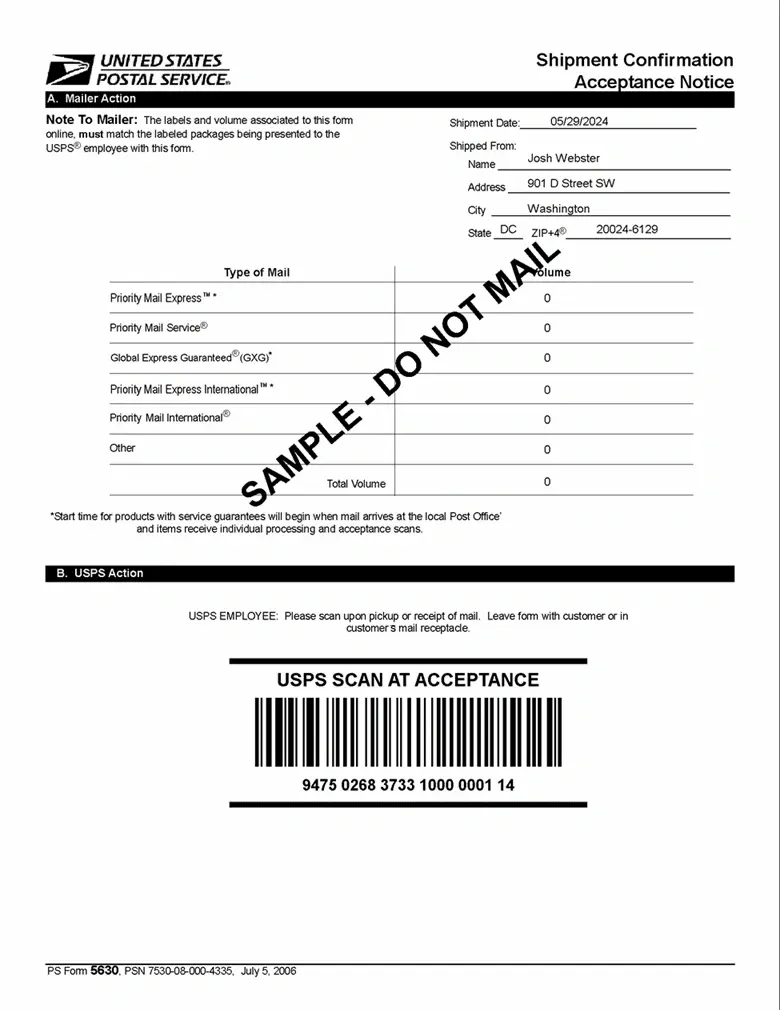
The sheet shows a master barcode at the top, along with a list of the individual tracking numbers it covers. This is what USPS staff or your pickup driver scans at handoff.
Platform-Specific Guides for Generating a SCAN Sheet
The core process stays the same across platforms: bundle, scan, same-day, but where you trigger it inside each seller dashboard differs. Use the guide for your specific platform:
| Platform | Resource |
|---|---|
| Amazon Sellers | Video walkthrough |
| Walmart Sellers | Ship With Walmart’s simplified SCAN forms |
| Shopify Sellers | Video walkthrough |
| TikTok Sellers | TikTok Shop Seller University guide |
| eBay Sellers | Video walkthrough |
| Shippo Users | Video walkthrough |
| Pirate Ship Users | Video walkthrough |
Common Mistakes When Generating a SCAN Sheet
- Generating it a day late. The same-day rule trips up more sellers than any other part of this process.
- Mixing labels from multiple days into one SCAN sheet. Only include tracking numbers purchased that same day.
- Assuming it applies to every carrier. It’s a USPS-specific requirement; FedEx, UPS, and others scan packages individually.
- Not having the manifest ready at pickup. Whether printed or shown on a device, it needs to be available the moment the carrier arrives.
FAQs
What is a USPS SCAN sheet?
It’s an end-of-day manifest containing a master barcode that lets USPS scan an entire batch of shipments at once instead of scanning each package individually.
Do I need a SCAN sheet for every carrier?
No. SCAN sheets are specific to USPS. Other carriers scan each package individually at pickup.
Can I generate a SCAN sheet the day after printing labels?
No. It has to be generated the same day the labels are purchased or printed. A manifest generated later won’t match that batch correctly.
Does the SCAN sheet process differ between Amazon, Walmart, Shopify, eBay, and TikTok?
The core concept is identical, but where you trigger it inside each platform’s seller dashboard differs. Use the platform-specific guide above for exact steps.
What happens if I don’t use a SCAN sheet for high-volume USPS shipping?
Without one, USPS scans each package individually at pickup, which takes significantly longer at drop-off and delays the early tracking update you’d otherwise get.
For USPS’s official documentation on SCAN forms, see the USPS SCAN Form resource page.